sorl-thumbnail
Thumbnails for Django. Resize, crop and convert images from your templates. sorl-thumbnail makes each thumbnail once, saves it through your Django storage, and gives you its URL.
- Version 13.4.0, released 2026-10-25
- Django 5.2, 6.0, 6.1
- Python 3.10 to 3.14
- BSD 3-Clause
- Since 2010
Install
pip install "sorl-thumbnail[pil]"Add "sorl.thumbnail" to INSTALLED_APPS. The
quickstart gets you to
a first thumbnail, and the
installation guide
covers the settings, the key-value store and what each image engine needs.
Example
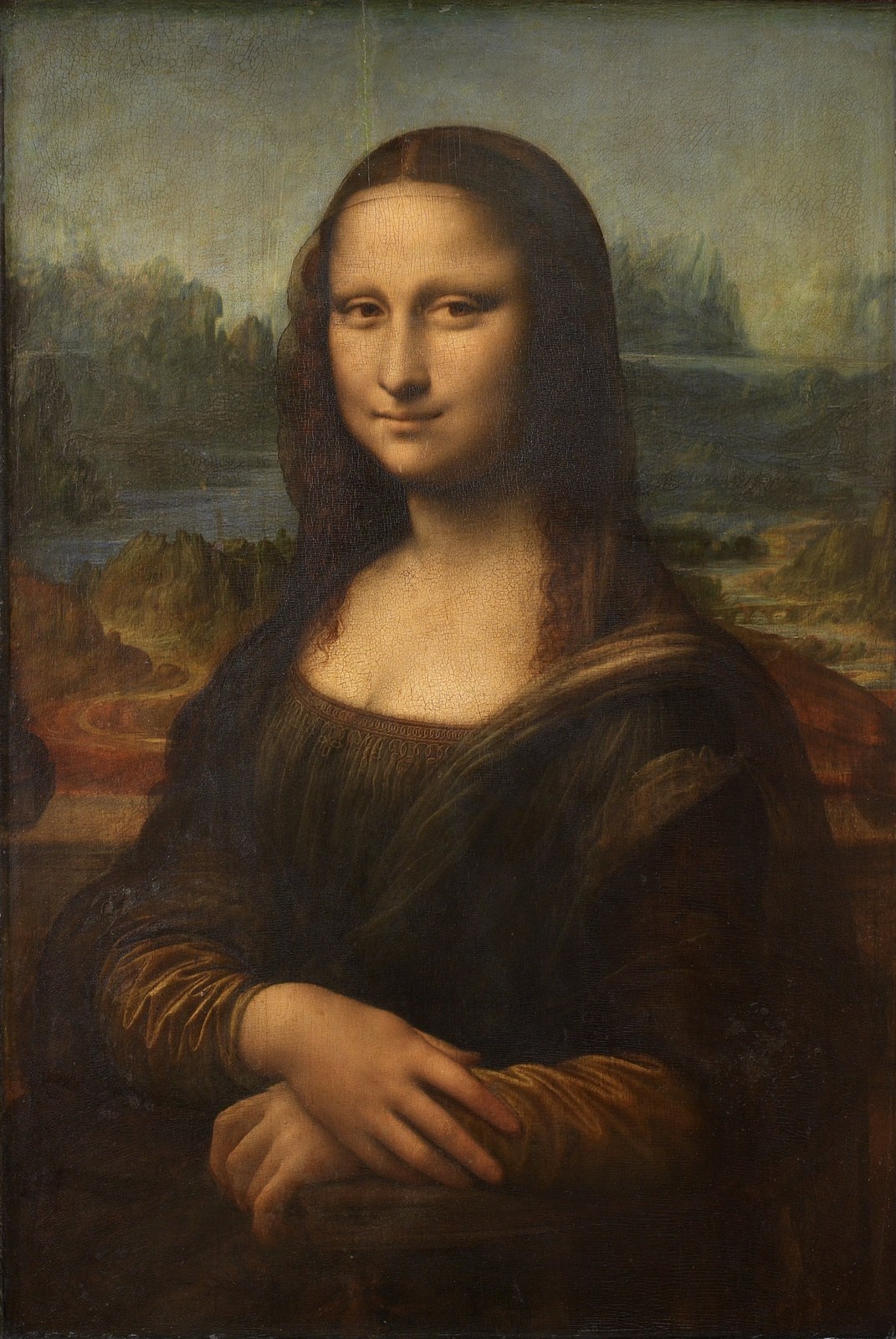
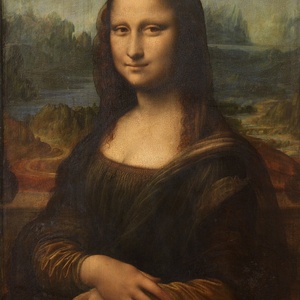
{% load thumbnail %}
{% thumbnail "images/mona-lisa.jpg" "300x300" crop="center" as im %}
  <img src="{{ im.url }}" loading="lazy"
       width="{{ im.width }}" height="{{ im.height }}"
       alt="Mona Lisa cropped to a square around the center">
{% endthumbnail %}
More in the examples, one page per image engine.
Features
- Resize to a box, a width or a height. Crop by position, percentage, pixels or a crop box. See geometry and crop.
- Output JPEG, PNG, WEBP, GIF or AVIF, with quality and progressive JPEG options. See formats and quality.
- Grayscale, padding, rounded corners, blur, border removal and smart crop, depending on the engine. See colorspace, padding and effects.
- Follows EXIF orientation. Keeps GIF animation with Wand and libvips, and with Pillow since 13.3.0. See orientation and animation.
- The
{% thumbnail %}tag, theis_portraitandmarginfilters, andget_thumbnail()for Python code. See the template reference. - Reads and writes through any Django storage, including Amazon S3 with django-storages. Thumbnail sizes are cached in a key-value store, so a cached thumbnail costs no storage request. See thumbnails on Amazon S3 and the settings.
- An
ImageFieldthat validates uploads, and an admin mixin that shows a preview. See the model examples.
Engines
Set the engine with THUMBNAIL_ENGINE. Pillow is the default. Each name links to its examples.
| Engine and what it needs | Doesn't support |
|---|---|
| Pillow pip install pillow |
— |
| libvips pip install sorl-thumbnail[vips] |
— |
| ImageMagick the ImageMagick commands |
smart crop, rounded corners, blur, border removal |
| GraphicsMagick the gm command from GraphicsMagick |
smart crop, rounded corners, blur, border removal, AVIF output |
| Wand pip install wand, and ImageMagick |
smart crop, rounded corners, blur, border removal, padding |
| pgmagick pip install pgmagick |
smart crop, rounded corners, blur, border removal, padding |
Help and contributing
- Questions and ideas: GitHub Discussions
- Bug reports: GitHub Issues
- Security issues: follow the security policy, not a public issue
- Pull requests: read the contributing guide
- Something not working: the troubleshooting page
History
Mikko Hellsing wrote sorl-thumbnail in 2010. Mario-César started contributing in 2013 and maintains it today. From 2017 to 2026 it was part of Jazzband, and it now lives at github.com/mariocesar/sorl-thumbnail. Every release is listed in the changelog.